How to Control Recurring Subscriptions and Avoid Forgotten Charges


Recurring subscriptions — streaming, apps, gyms, insurance, software — are convenient, but they add up to amounts that go unnoticed in your budget. The problem isn't subscribing; it's losing control: renewing without using, paying for forgotten plans, or letting improper charges slip by. This article shows a practical method for mapping, tracking, and canceling subscriptions through official channels, without relying on offers or invented deadlines.
Why "Small" Subscriptions Weigh on Your Budget
A subscription of R$ 19.90 per month seems harmless. But multiply that by five, six, or ten different services and the annual total is surprising. The impact isn't in the individual amount, but in the invisible sum: because the charge is automatic, it doesn't require a conscious decision each month — and the brain tends to ignore what doesn't require action.
Moreover, subscriptions are usually taken out in moments of enthusiasm (promotion, free trial, one-off need) and are rarely reviewed afterward. The result: you pay for services you don't use, for plans above what you need, or for renewals you no longer even remembered existed.

Service Map: The First Step Is to List Everything
Before canceling anything, you need to know exactly what you pay for. Create a complete map of your subscriptions. This isn't a sophisticated spreadsheet — a simple list is enough.
For each subscription, record:
- Service name and category (streaming, app, gym, insurance, software)
- Monthly or annual amount and billing date
- Payment method (card, automatic debit, bank slip)
- Actual usage frequency (daily, weekly, monthly, never)
- Renewal date and whether there's a loyalty period or advance notice
Where to find this information:
- Card statement: the most direct route. Look for recurring charges with the same amount and same merchant name.
- Bank statement: for automatic debits and bank slips.
- Email notifications: search for "receipt", "invoice", "renewal" in your inbox.
- Finance apps: if you already use one, it may group charges by category.
With the map ready, you'll have a clear view of what to keep, what to cancel, and what to negotiate.
Renewal: Understand How It Works Before Acting
Each service has its own renewal rules. Some renew automatically on the same date every month; others charge annually; still others offer a trial period that turns into an automatic charge if not canceled.
The critical point: don't assume they all work the same way. Read the terms of the service you signed up for — the confirmation email, the provider's website, or the app. Look for:
- Renewal date and amount charged
- Cancellation policy: is it immediate? Does it apply to the next cycle?
- Advance notice: some services require cancellation in advance
- Cancellation method: via app, website, phone, or email
If you can't find this information in the material you received, contact the service's official customer support channel. Don't trust deadlines or rules that appear on third-party sites, forums, or social media — only the provider can accurately inform the conditions of your contract.
Cancellation Through Official Channels: The Safe Path
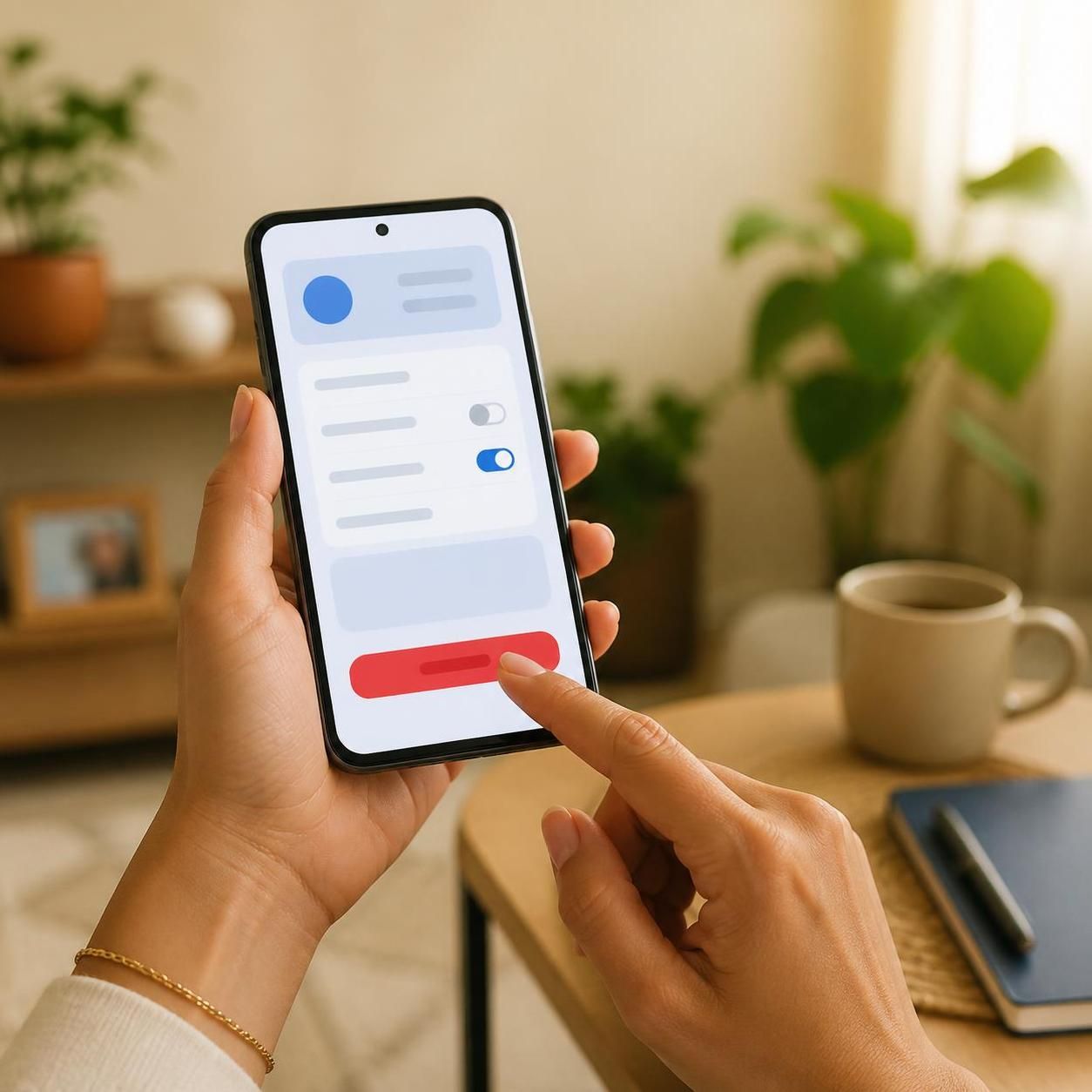
Canceling a subscription may seem bureaucratic, but the safest path is always the service's official channel. This avoids scams, improper charges, and ensures the cancellation is registered.
Recommended steps:
- Access the official website or app of the service and log in.
- Look for the subscription, plan, or billing section — usually under "Settings", "Account", or "Subscription".
- Follow the cancellation flow indicated by the platform itself.
- Keep the proof: screenshot, confirmation email, or support protocol number.
- Check the next statement to ensure the charge was actually stopped.
If cancellation isn't available through self-service, use the official support channel (phone, chat, or email) and record the protocol number. Be wary of any website or person that promises to cancel on your behalf in exchange for payment or sensitive data — that's a scam.
Common Mistakes When Dealing with Subscriptions
- Thinking you canceled without confirming: many services keep the subscription active until the end of the paid cycle. If you canceled but still see the charge the following month, check whether the cancellation was processed and whether the charge refers to the period already contracted.
- Ignoring the free trial: free trial offers usually require card registration and turn into automatic charges. Set a reminder in your calendar to cancel before the end of the period if you don't want to continue.
- Canceling in the wrong place: uninstalling the app or deleting your account doesn't cancel the subscription. Cancellation must be done in the service's subscription/payment area.
- Not reviewing the statement: the best defense against forgotten charges is checking your card statement every month. Set aside 10 minutes to review recurring charges.
- Trusting third-party deadlines: cancellation, grace period, or loyalty rules must be confirmed with the service itself, not with opinion sites.
Practical Example: How to Apply the Method
| Service | Monthly amount | Actual usage | Decision |
|---|---|---|---|
| Video streaming A | R$ 39.90 | Daily | Keep |
| Video streaming B | R$ 19.90 | Never | Cancel |
| Music app | R$ 21.90 | Weekly | Keep (evaluate annual plan) |
| Gym | R$ 89.90 | 2x per week | Keep |
| Editing software | R$ 49.90 | Never | Cancel |
| Total | R$ 221.50 | Potential savings: R$ 69.80/month |
In this example, canceling two services that aren't used frees up R$ 69.80 per month — or R$ 837.60 per year. That amount can go toward an emergency reserve or a specific financial goal.
For a broader Brazilian household plan, read how to prepare a household budget and how to set financial goals.
Sources for Further Reading
- Central Bank of Brazil — Financial Education: personal budget and expense control. Available at: https://www.bcb.gov.br/pre/pef/port/folder_serie_II_orcamento_pessoal.pdf
- CVM — Step 3: Plan your expenses. Available at: https://www.gov.br/investidor/pt-br/investir/antes-de-investir/organize-a-sua-vida-financeira/passo-03-planeje-os-seus-gastos
FAQ
Does canceling the subscription stop the charge immediately? Not necessarily. It depends on the service's policy: some cancel right away, others keep access until the end of the period already paid. Confirm with the provider.
Do I need to cancel through the website, or can I do it through the bank? Cancellation must be done with the service, through the official channel. Blocking your card or disputing the charge at the bank is a last resort and may result in negative credit reporting or restrictions on your record.
What should I do if I was charged after canceling? Contact the service through the official channel, present the cancellation proof, and request a refund. If it isn't resolved, you can file a complaint through official consumer protection channels.
Is it worth paying for an annual plan? It depends. If you use the service frequently and the annual amount is less than 12 monthly payments, it may be worth it. But only if you're sure you'll keep using it — otherwise, the loss is greater.
How can I avoid forgotten subscriptions in the future? Review your card statement monthly, keep your service map updated, and set a fixed date (e.g., the first Saturday of the month) to check subscriptions.
Applicable Summary
- List all subscriptions with amount, date, and payment method.
- Classify by actual usage: keep, cancel, or negotiate.
- Cancel through official channels and keep proof.
- Review your card statement every month.
- Redirect the saved amount toward a financial goal.
This content is educational and does not constitute individual credit or investment advice. Each case should be evaluated according to your financial reality and the contractual terms of each service.