
Virtual credit cards: how they work, when to use them, and their limitations

Disclaimer: this content is educational and does not constitute individual investment or financial product advice.
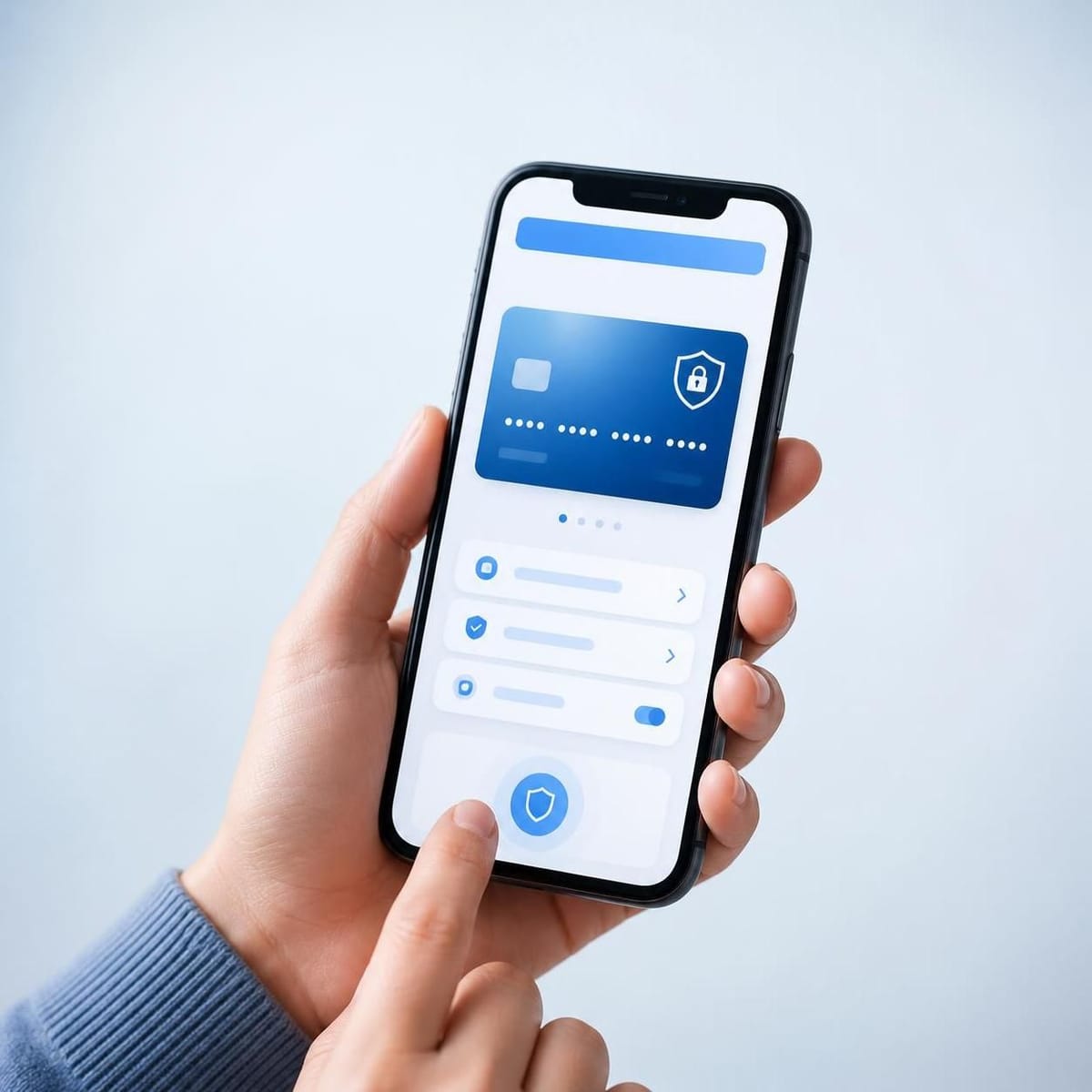
A virtual card is a digital version of your credit card, with its own card number, expiration date, and CVV — different from your physical card — generated in your bank or issuer's app to make online purchases safer. It does not create a new credit limit: purchases still show up on the same statement as your physical card. In this guide, you'll learn how it works, when it makes sense to use it, which precautions still apply, and why it doesn't eliminate all fraud risks.
What a virtual card is and how it works
A virtual card uses its own number, expiration date, and CVV — different from your physical card — generated in the issuer's app. In practice, when you make an online purchase, you provide the virtual card details instead of your physical card details. That way, if that website or app suffers a data breach, the exposed data belongs to the virtual card — not to the card you use in the physical world.
Some details vary by bank:
- Itaú, for example, offers types of virtual cards, such as a recurring one (for sites and apps where you shop frequently) and options for one-off purchases.
- Santander generates an exclusive number, expiration date, and CVV, with a dynamic CVV that changes to provide extra protection.
- Mercado Pago also lets you pay online with a number, expiration date, and CVV different from your physical card.
In other words: the availability and rules of virtual cards vary by bank or issuer. It's worth opening your institution's app and checking whether the feature is available and how it works there.
Does a virtual card have its own credit limit?
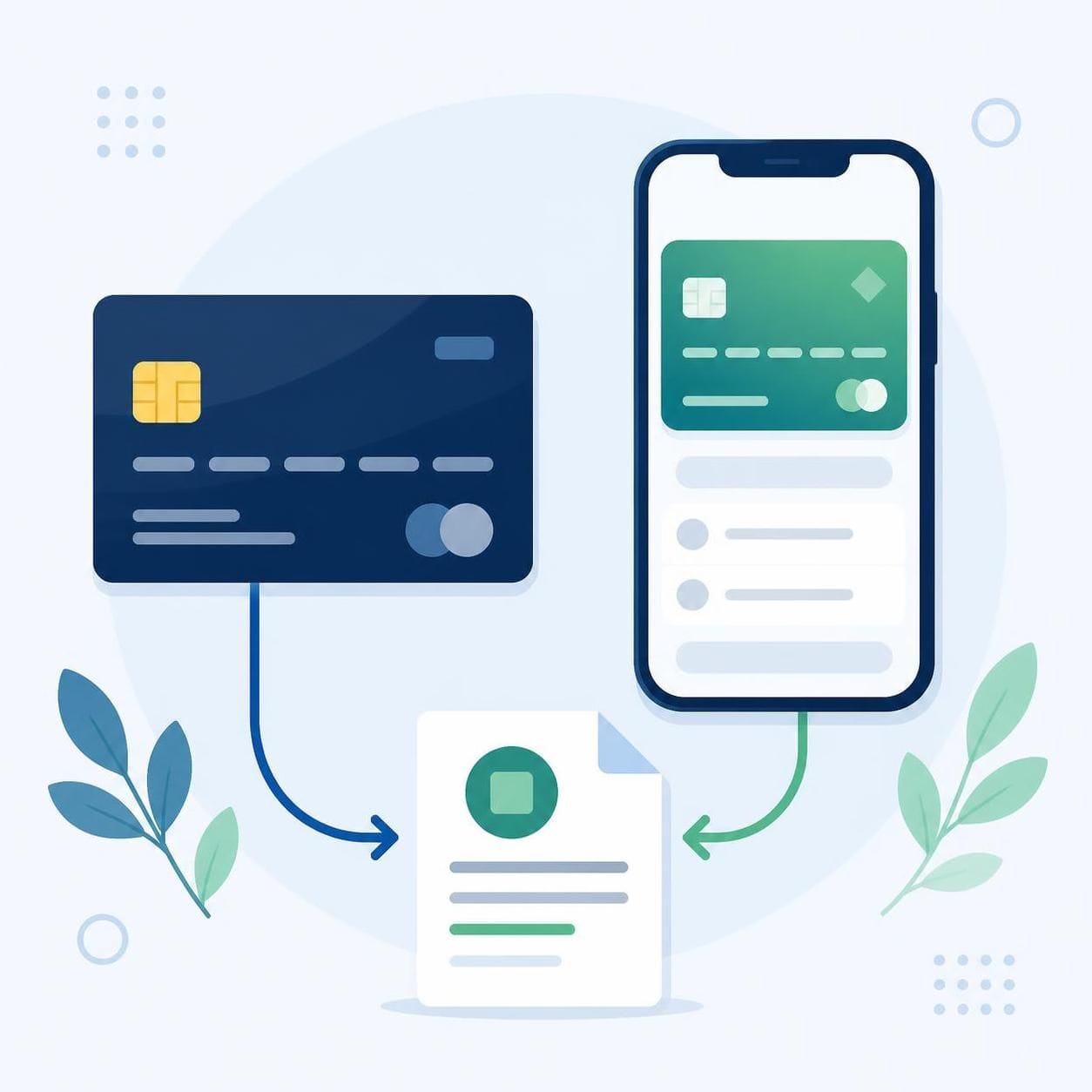
No. A virtual card uses the same limit and the same statement as your physical card; it is not a new card with its own limit. It also doesn't create a new line of credit. Everything you buy with the virtual card appears on the original card's statement and consumes its limit.
This matters for two reasons:
- Control: virtual and in-person purchases compete for the same limit. If you spend a lot online, the limit available for other purchases shrinks.
- Expectations: generating a virtual card is not a way to "increase" your available credit.
When to use a virtual card
A virtual card makes the most sense in situations where you need to provide card details to an environment you don't fully control:
| Situation | Should you use a virtual card? | Why |
|---|---|---|
| One-off purchase on a new or little-known website | Yes | Reduces exposure of your physical card details |
| Subscriptions and recurring services | Depends on the issuer | Some issuers have a specific recurring option |
| Purchases in an e-commerce app you've used for years | You can | Convenience and extra security, at no cost |
| In-person purchase (card machine, NFC) | Not applicable | Virtual cards are designed for online purchases |
| Social engineering scam (fake customer service) | Doesn't protect you | If you hand over the details yourself, the feature doesn't help |
What a virtual card protects against — and what it doesn't
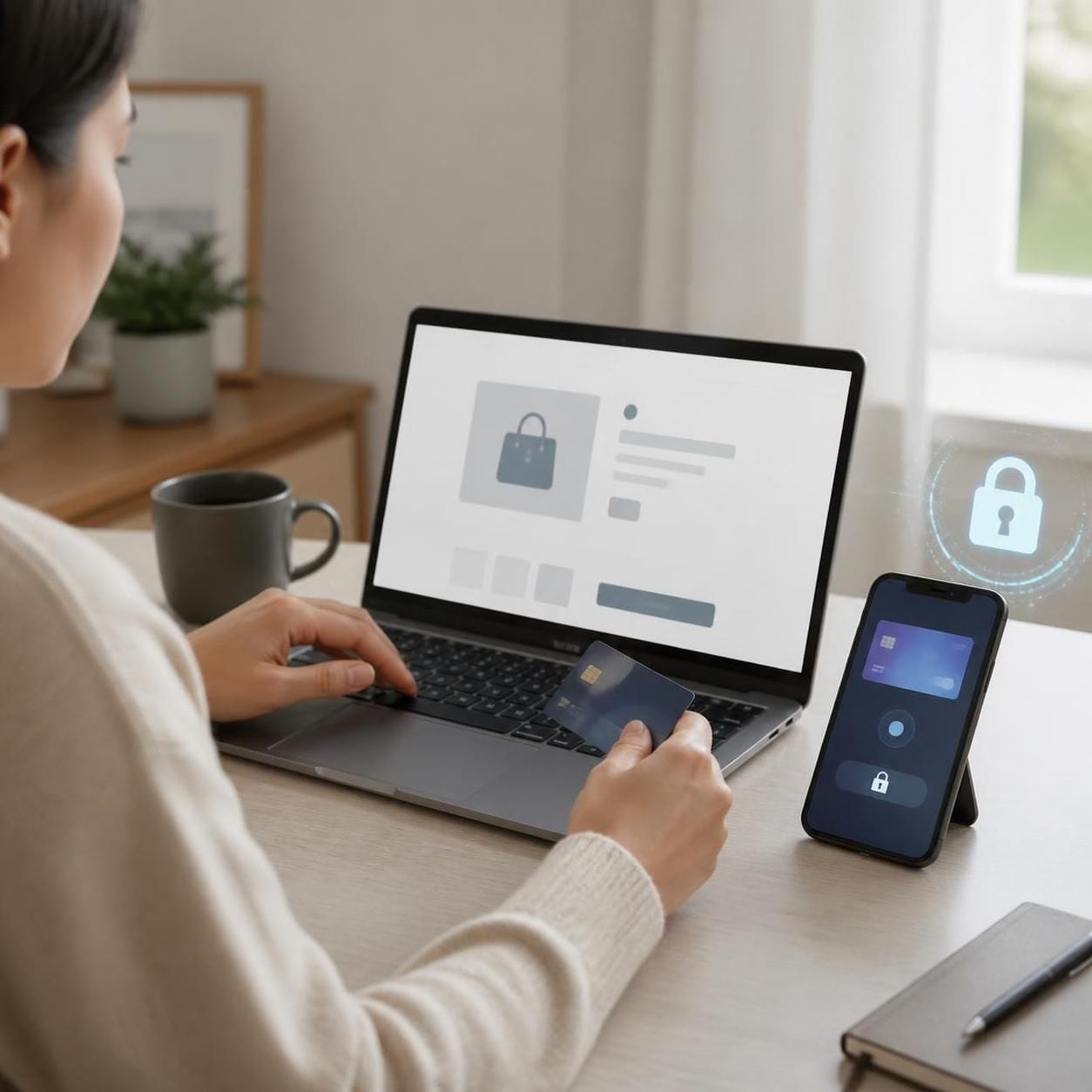
A virtual card reduces exposure of your physical card details, but it doesn't eliminate all fraud risks and doesn't replace other security precautions. The Security Handbook for Online Banking, from CERT.br/NIC.br, explains that virtual card details differ from the physical card's and can be changed frequently, which makes them harder to use in fraud even if they leak. But the same handbook recommends additional precautions, such as lowering the virtual card's limit and monitoring transactions.
In other words:
- Protects against: data breaches on sites and apps where you shopped, since the exposed data isn't your physical card's.
- Doesn't protect against: scams where you yourself hand over card details, passwords, or codes to a criminal; misuse if you leave the virtual card active for too long with a high limit, turning it into a "permanent second card."
Best practices when using a virtual card
- Generate the virtual card only when you need it. Avoid leaving it active indefinitely.
- Adjust the virtual card's limit, when the issuer allows it, to an amount that matches the purchase.
- Monitor your statement and review transactions regularly — the same habit recommended when reviewing your bank statement step by step.
- Be wary of unsolicited contacts. Financial institutions don't ask for passwords, verification codes, or card details by phone, text, or email (CERT.br guidance).
- Keep your banking app updated and use screen protection (password, biometrics) on your phone.
- Delete or block the virtual card after completing one-off purchases, if the issuer allows it.
Common mistakes
- Treating the virtual card as an "extra card" with a new limit. As we've seen, it shares the limit and statement with your physical card.
- Leaving the virtual card active forever. This reduces the security benefit and makes forgotten charges easier.
- Assuming you're immune to fraud. The feature reduces risks but doesn't guarantee absolute protection; keep up your digital security habits.
- Assuming every bank offers the feature the same way. Rules vary by issuer — always check in your bank's app.
FAQ
Is a virtual card free? Availability and conditions vary by issuer. Check your bank's or fintech's rules in the app.
Can I use a virtual card for monthly subscriptions? It depends on the issuer. Some, like Itaú, offer a recurring option precisely for that. Check the options in your app.
Do virtual card purchases appear on the same statement? Yes. It uses the same limit and the same statement as your physical card; it is not a new card with its own limit.
Does a virtual card replace other security precautions? No. It reduces exposure of your physical card details, but it doesn't eliminate all fraud risks. Keep monitoring transactions, keep apps updated, and never share passwords or codes.
Do purchases with a virtual card have different protection? Purchases go to the same statement and follow the issuer's and card network's rules, like any card purchase. A virtual card changes which details you expose, not the rules of the purchase.
Conclusion
A virtual card is a simple tool to reduce exposure of your physical card details in online purchases, with availability and conditions that vary by issuer. It works by generating its own number, expiration date, and CVV in the issuer's app, without creating a new limit. Use it on new sites or for one-off purchases, adjust the limit, deactivate it when you're not using it, and keep up basic digital security habits — because a virtual card reduces risks but doesn't guarantee absolute protection against fraud.
If you're organizing your finances and want to understand how credit cards work under the hood, also check out how credit cards work, how credit card revolving debt works, and how to control recurring subscriptions.
Educational content; does not constitute individual investment advice or a recommendation to purchase any financial product.